
2–10 players
Set the table size before opening the room. A live capacity meter stays visible inside the room.
 Fast rooms · short codes · familiar rules
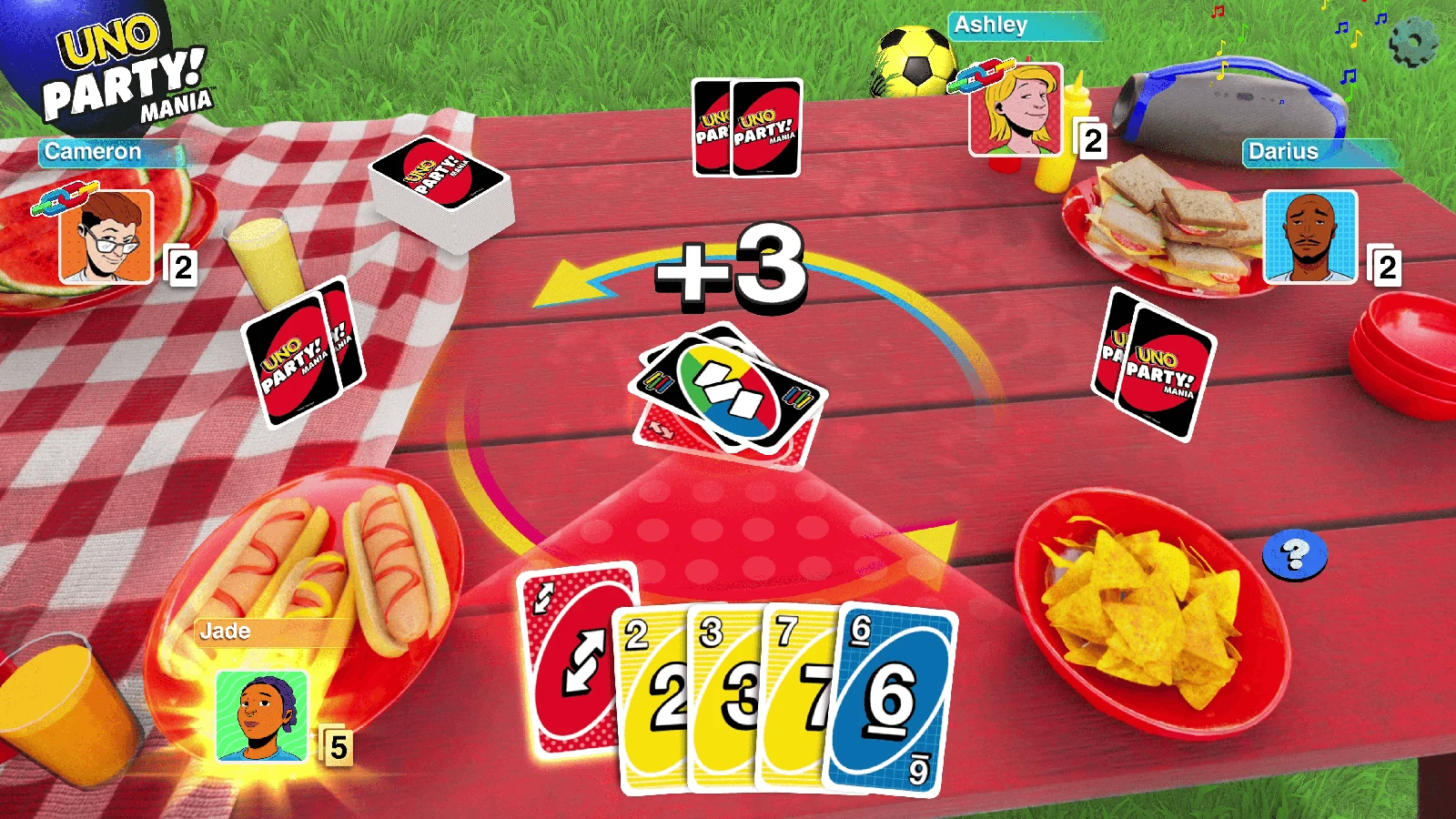
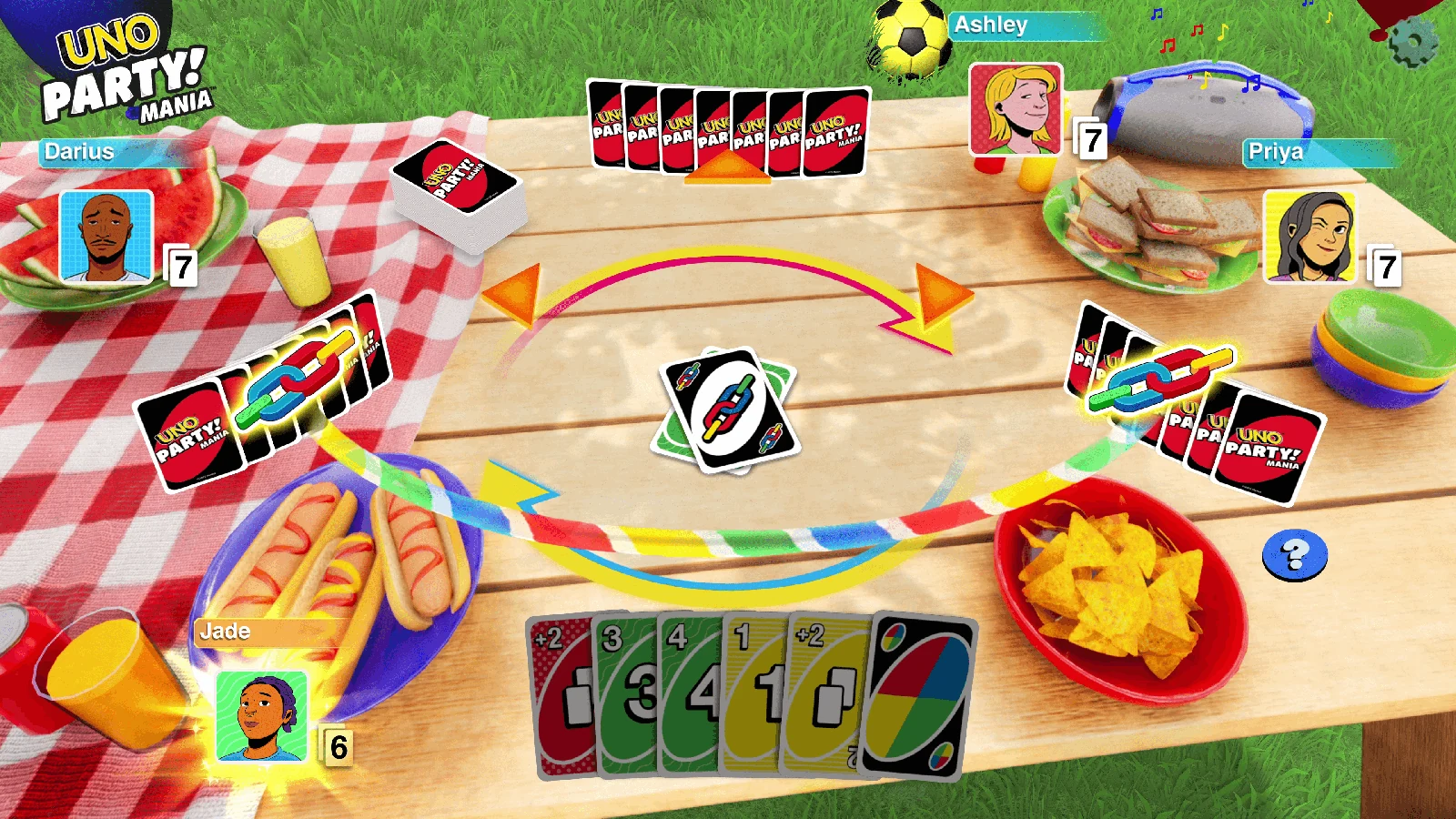
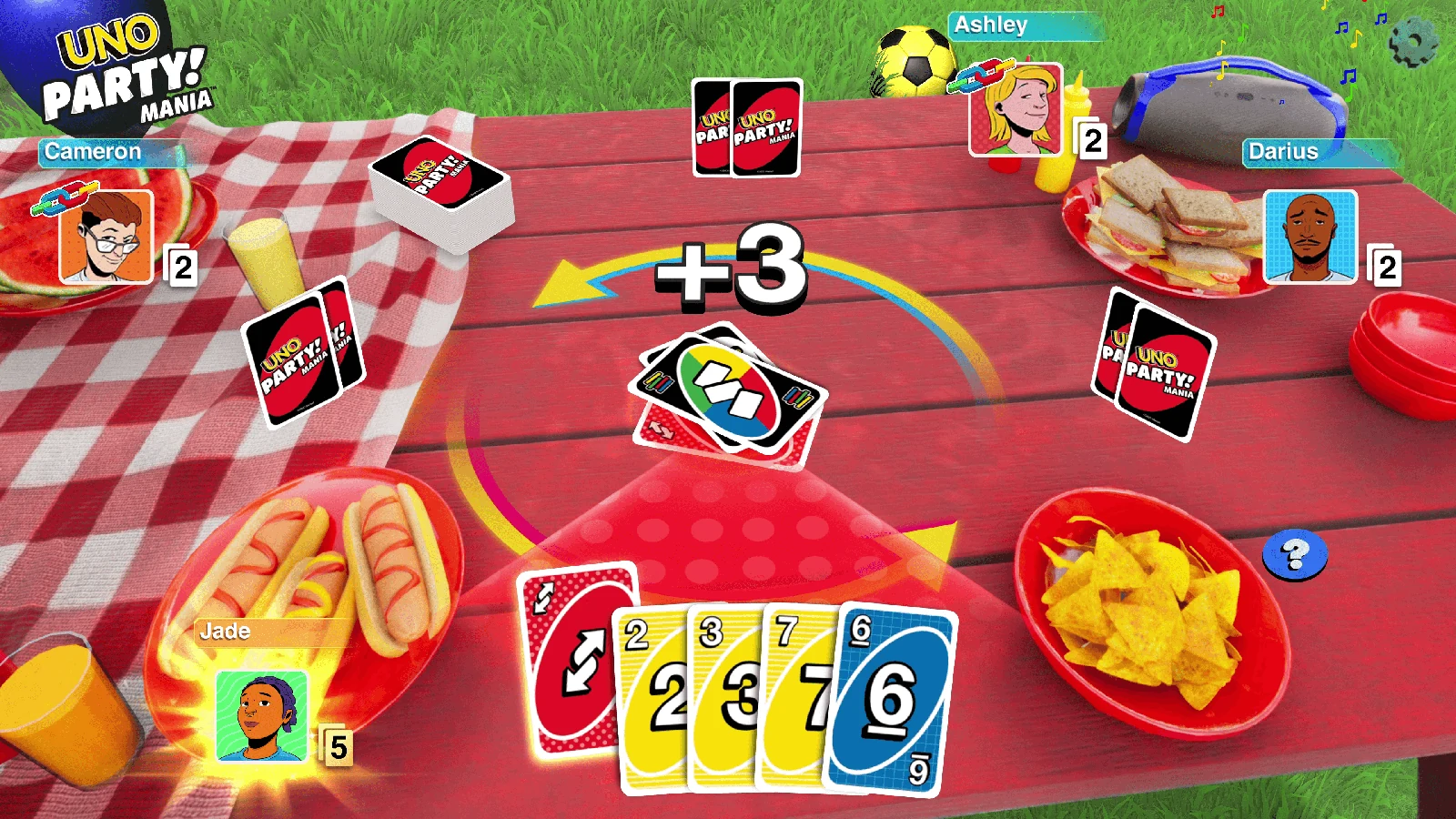
These screenshots were added as visible showcase content so visitors can instantly see the look and feel of UnoPlay before they create a room.
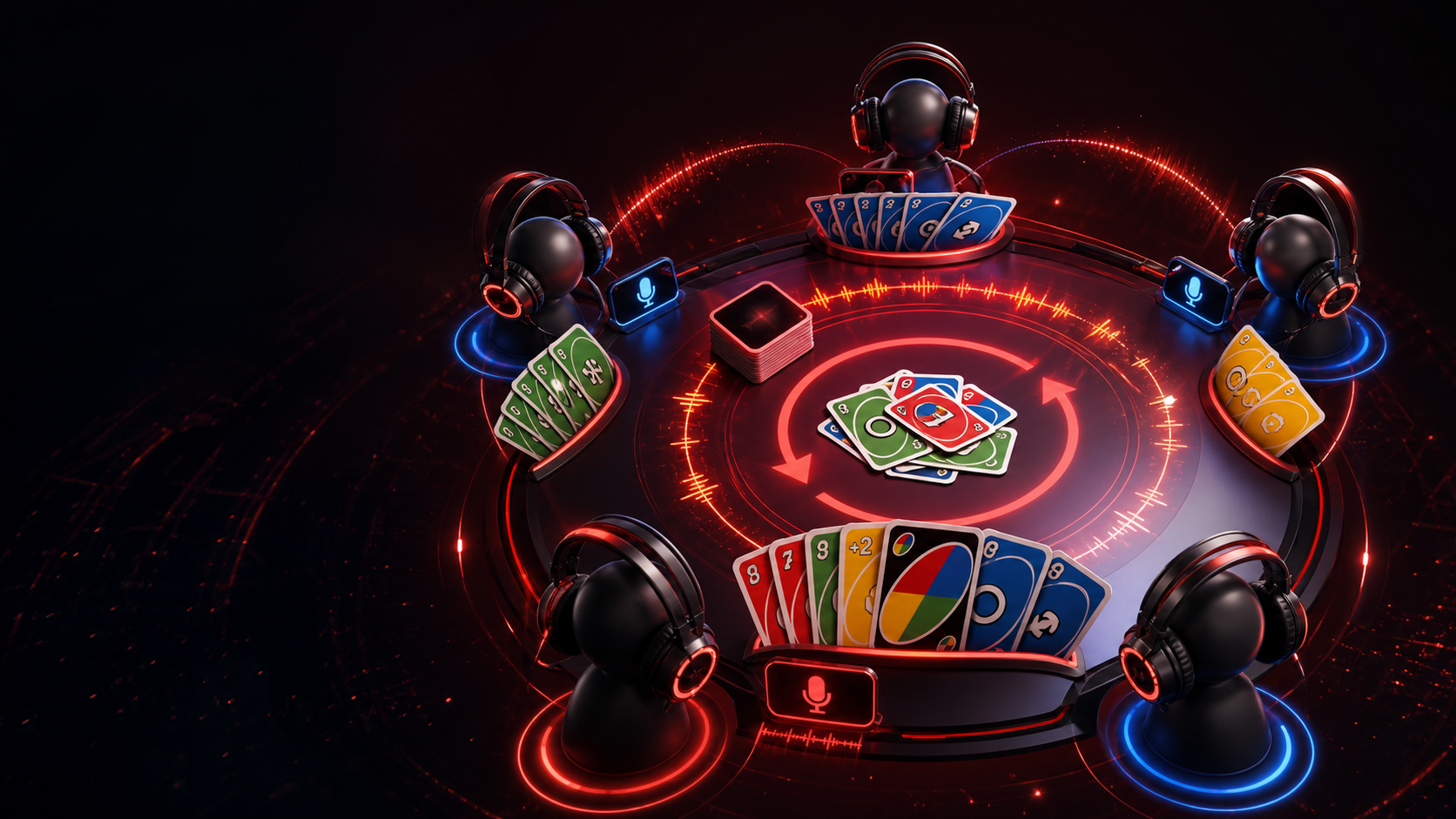
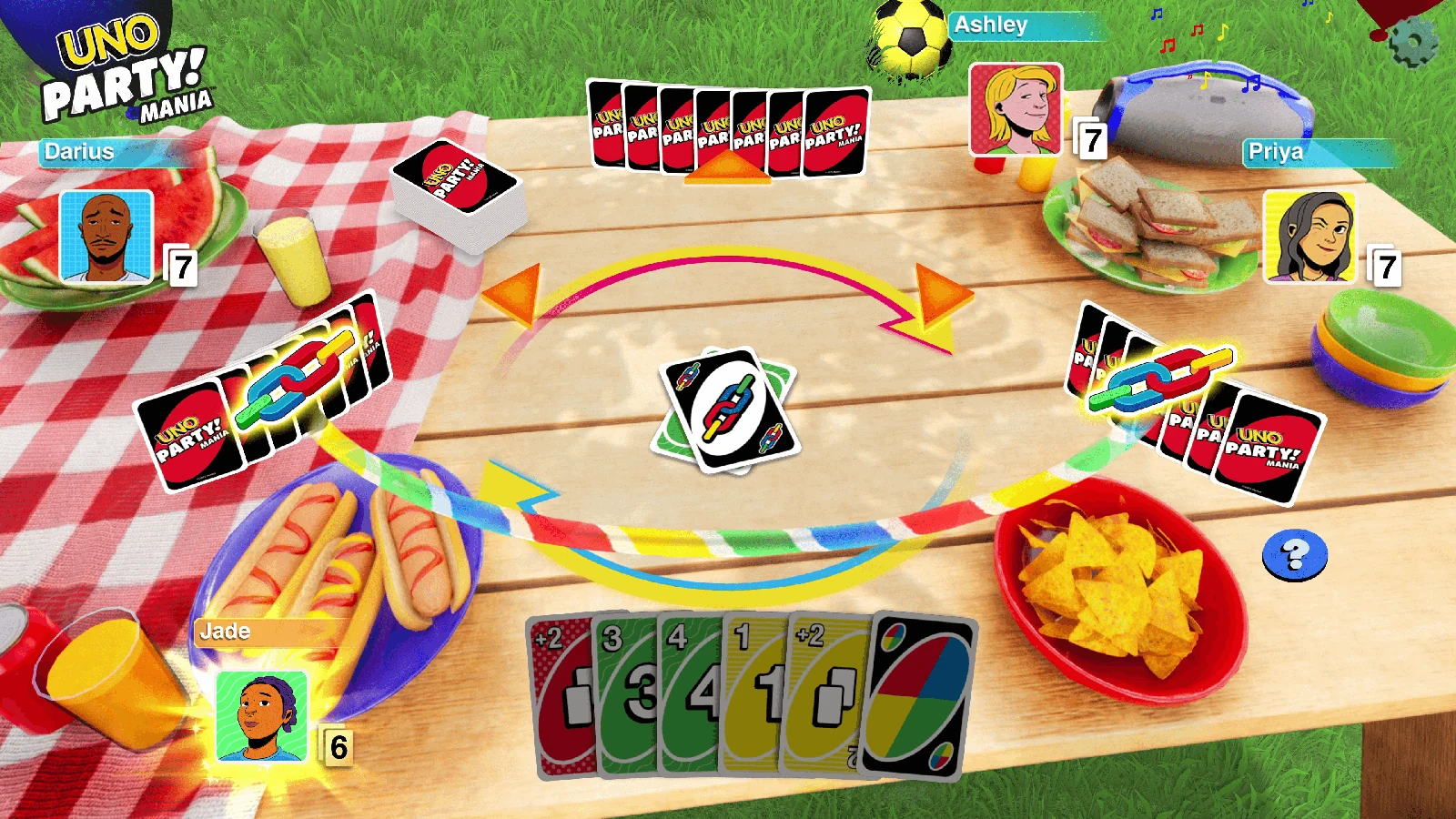
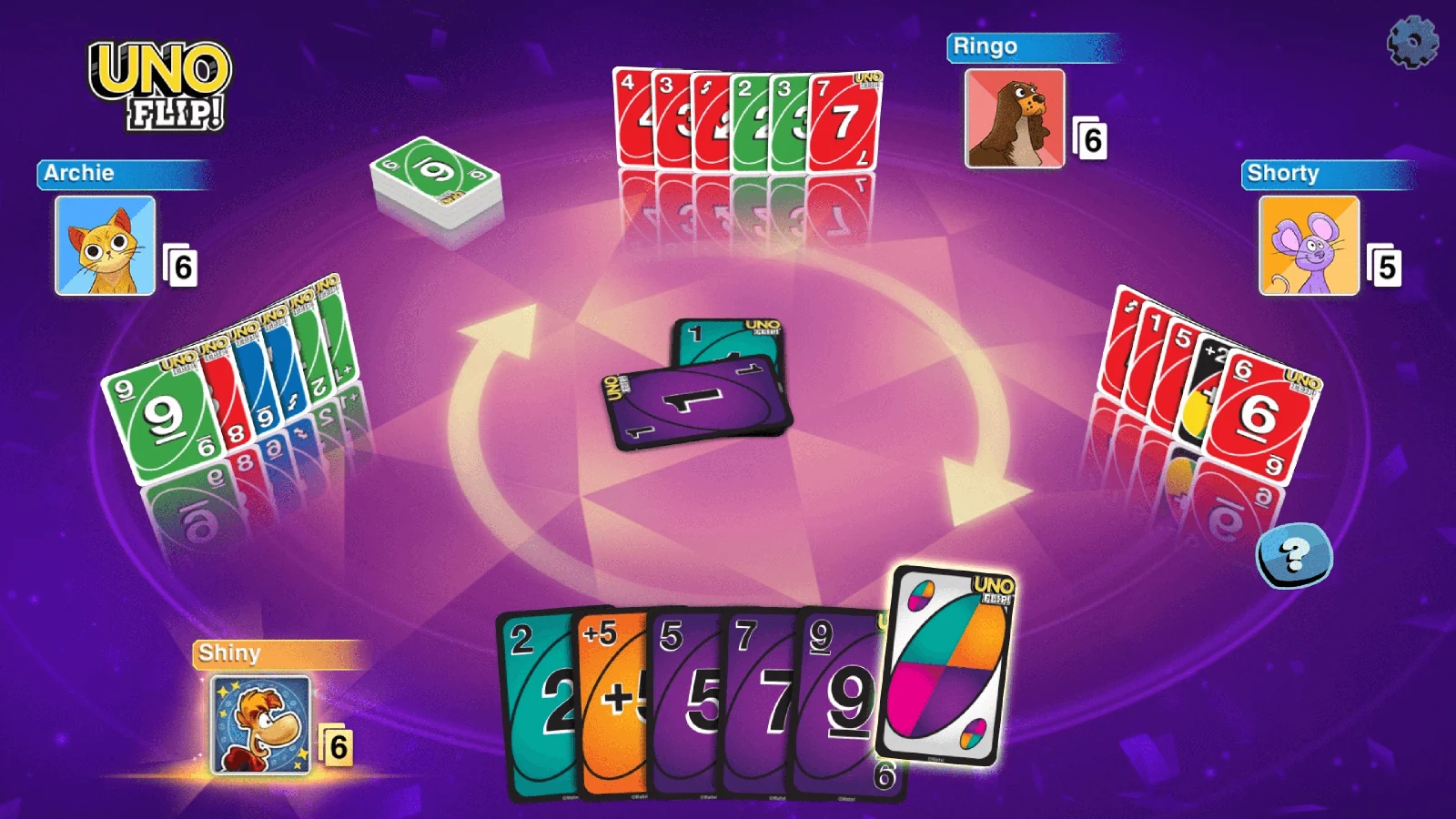
The intro video above was replaced with your provided trailer, and the screenshots below are intentionally visible as sample visuals instead of being hidden assets.
Room creation is intentionally direct: choose a display name, choose a profile, set the player limit, decide whether the room is private or public, and get your code.
Set the table size before opening the room. A live capacity meter stays visible inside the room.

Private rooms are invite-only. Public rooms can be listed in Discover and opened from their room card.

Every room gets a short code such as 8G340F2 and a clean URL like unoplay.me/room/8G340F2.

Host and guests choose from the profile set before joining, so the room feels occupied and personal.

Typing, buttons, joins, room creation, cards, draws, UNO calls and downloads all have lightweight audio feedback.

Rooms use a clean classic ruleset by default instead of burying players under a wall of house-rule toggles.
Public rooms stay organized in one clean directory with open and password-protected access states.
The site is intentionally content-rich: product details, room flow, profiles, discover, desktop download notes, rules and support all live in their own sections.
Guests opening a room link choose a display name and avatar, wait through a short room check, see who invited them, then join. After joining, the desktop app prompt appears with a Maybe later option so browser can continue.
The host and guest profiles are rendered in the room sidebar and around the table. Chat, invite copying, capacity, draw interaction and UNO feedback are visible from one screen.
The Windows download page includes a clear platform card, security notice and a progress-to-success handoff before the release opens.
Pages include Open Graph and Twitter metadata using unoplay.me and the supplied icon. Room links use a generic invitation embed suitable for Discord and other crawlers.
Choose your name, profile, room size and visibility. Classic UNO rules are enabled automatically.

Share the code or full invite link. Public rooms are listed in Discover.
Enter the seven-character code from your invitation.